


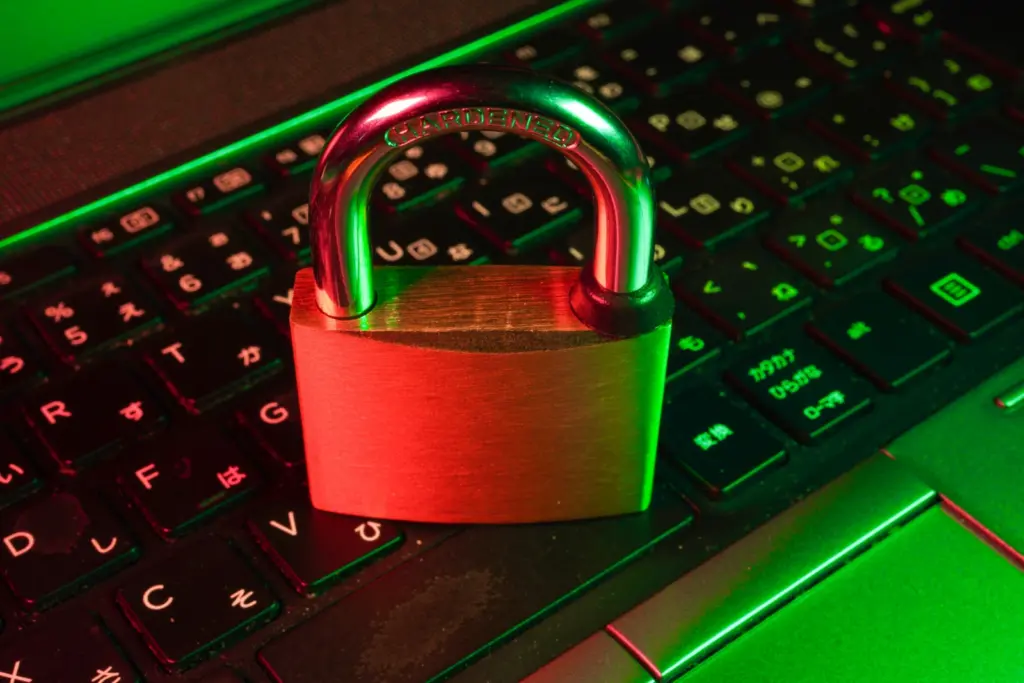
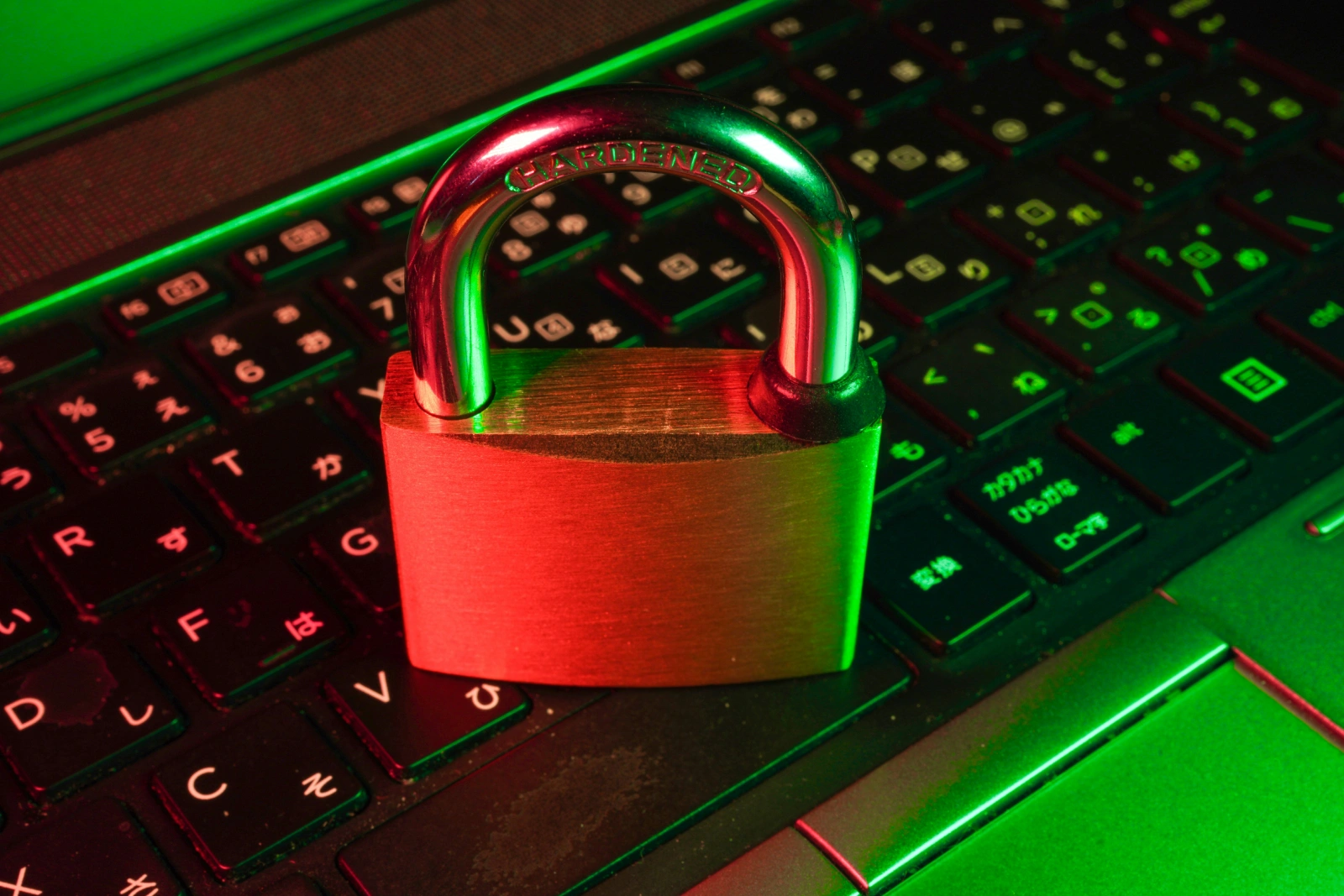
The internet is where students research, connect, and learn. It is also where risks quietly hide behind familiar-looking links, profiles, and messages. Knowing how to navigate the digital world responsibly is just as important as any academic skill.
From phishing attempts to oversharing on social media, the threats are real and evolving. These online safety tips will help students build strong digital habits that protect them both now and in the future.
Why Digital Safety Matters for Students
Students spend a significant portion of their day online, whether for classes, assignments, or social interaction. This constant connectivity creates exposure to data theft, cyberbullying, inappropriate content, and online predators.
The consequences of poor digital hygiene can affect academic performance, mental health, and even future career prospects. A single lapse, like sharing login credentials or clicking a suspicious link, can have lasting effects.
Schools that prioritise holistic education, including many of the top schools in north bangalore, are increasingly integrating digital literacy into their curriculum, recognising it as a life skill rather than a technical elective.
Protecting Personal Information Online
Personal information is the most valuable thing a student carries online. Names, addresses, school details, phone numbers, and photographs should never be shared casually on public platforms.
Think Before You Share
Before posting anything online, students should ask: would I be comfortable if my school or parents saw this? That simple checkpoint filters out a surprising number of poor decisions.
Privacy settings on social media platforms should be reviewed regularly. Many students set accounts to public without realising that anyone, anywhere can view their posts.
Be Careful with Forms and Sign-Ups
Free games, apps, and contests often ask for personal details in exchange for access. Students should only fill out forms on verified, trusted websites, and avoid using their school email for non-academic sign-ups.
Creating Strong Passwords and Managing Accounts
Weak passwords are the digital equivalent of leaving your front door open. A strong password is at least twelve characters long and combines uppercase and lowercase letters, numbers, and symbols.
- Never reuse the same password across multiple platforms
- Use a password manager to keep credentials organised and secure
- Enable two-factor authentication wherever it is available
- Log out of accounts when using shared or public devices
- Change passwords immediately if a breach is suspected
Students should be especially careful with their school email accounts, which often provide access to databases, portals, and sensitive academic records.
Recognising and Avoiding Online Scams
Scammers specifically target students with offers that seem too good to be true: scholarship scams, fake internship listings, free software with hidden malware, or urgent messages claiming to be from a teacher or family member.
Any message that creates urgency, asks for payment, or requests personal details out of context should be treated with suspicion. When in doubt, verify directly with the institution or person mentioned.
Many international schools in bangalore now run dedicated cybersecurity awareness sessions to help students spot these red flags before they become victims.
Safe Social Media Habits
Social media is one of the primary spaces where students interact, and it is also where digital safety issues most commonly surface. Cyberbullying, identity theft, and reputation damage are all real risks on these platforms.
Handling Cyberbullying
Students who experience or witness cyberbullying should document it by taking screenshots and report it to a trusted adult or school authority immediately. Do not retaliate, as it often makes the situation worse.
Most platforms have built-in reporting tools. Use them. Blocking accounts that send threatening or inappropriate messages is not weakness, it is a smart boundary.
Managing Your Digital Footprint
Everything posted online contributes to a digital footprint. Universities and employers increasingly look at social media profiles when evaluating candidates. What seems funny today might be regrettable in five years.
Encourage students to Google themselves periodically to see what shows up publicly and address anything that might misrepresent them.
Safe Use of Public Wi-Fi and Shared Devices
Public Wi-Fi networks in cafes, libraries, or shopping malls are convenient but rarely secure. Hackers can intercept data transmitted over unsecured networks, including login credentials and financial information.
Students should avoid logging into sensitive accounts, especially banking or school portals, when connected to public Wi-Fi. Using a Virtual Private Network (VPN) adds a layer of encryption for safer browsing in public.
When using shared computers in libraries or computer labs, always log out of every account after the session. Schools that rank among the best schools in north bangalore often teach these practical digital safety protocols as part of their technology curriculum.
Comparison: Safe vs Risky Online Behaviour
Behaviour | Safe Practice | Risky Practice |
Password Management | Unique passwords with 2FA | Same password across all platforms |
Social Media | Private profile, limited sharing | Public profile, open location sharing |
Wi-Fi Usage | Use VPN on public networks | Login to accounts on public Wi-Fi |
Emails and Links | Verify sender before clicking | Click links in unknown emails |
Personal Info | Shared only on verified platforms | Entered into unknown forms or apps |
Key Takeaways
- Keep personal information private and review privacy settings regularly
- Use strong, unique passwords and enable two-factor authentication
- Be sceptical of online offers, urgent messages, and unsolicited emails
- Manage social media wisely, knowing that posts are part of a permanent digital footprint
- Avoid logging into sensitive accounts on public Wi-Fi or shared devices
- Report cyberbullying immediately and document evidence before taking any action
Conclusion
Online safety is not a one-time lesson; it is an ongoing practice. As digital landscapes shift, the risks evolve too. Students who build strong safety habits early are far better equipped to handle whatever challenges the internet presents.
Whether you are enrolled in one of the good schools in north bangalore or studying elsewhere, the fundamentals of staying safe online remain the same. Awareness, caution, and consistent good habits are your strongest tools in a connected world.
Frequently Asked Questions
What is the most important online safety rule for students?
Never share personal information, including your name, address, phone number, or school details, with people you do not know or on platforms you do not trust.
How do I know if a website is safe to use?
Look for ‘https’ at the start of the URL and a padlock icon in the browser bar. Avoid sites that look poorly designed, have excessive pop-ups, or ask for unnecessary personal information.
What should I do if I receive a suspicious email?
Do not click any links or attachments. Report it to a parent, teacher, or IT administrator. If it appears to come from a known sender, verify it by contacting them directly through a separate channel.
Is it safe to use the same password for multiple accounts?
No. If one account is breached, all others become vulnerable. Use a unique password for every account and consider a password manager to keep track of them.
How can I protect myself from cyberbullying?
Block and report the accounts involved, document the harassment with screenshots, and speak to a trusted adult immediately. Do not engage with or respond to the bully.
What is a VPN and should students use one?
A VPN, or Virtual Private Network, encrypts your internet connection and hides your IP address. It is particularly useful on public Wi-Fi and is a good tool for students who regularly access the internet outside of home.
How often should I update my passwords?
Every three to six months is a reasonable guideline. You should also update immediately if you suspect your account has been accessed without your permission.
What does digital footprint mean?
Your digital footprint is the trail of data you leave behind from your online activity, including posts, searches, purchases, and comments. It can be seen by universities, employers, and others, making mindful online behaviour essential.
